One-Click Cutouts
Remove BackgroundClean cutouts for tokens & handouts
Strip the background from any portrait or miniature photo in one click. Clean edges around hair, horns and weapon silhouettes — ready for tokens, character sheets and layered handouts.
Step by step
How It Works
Upload or pick
Drop in any image — an AI portrait from your gallery, a photo of a painted mini, downloaded art.
One click
The model separates subject from background automatically, keeping fine edges — hair, antlers, spell effects.
Export transparent
Download a transparent PNG, or send it straight to Token Maker for a bordered VTT token.
Before / After
See the Difference
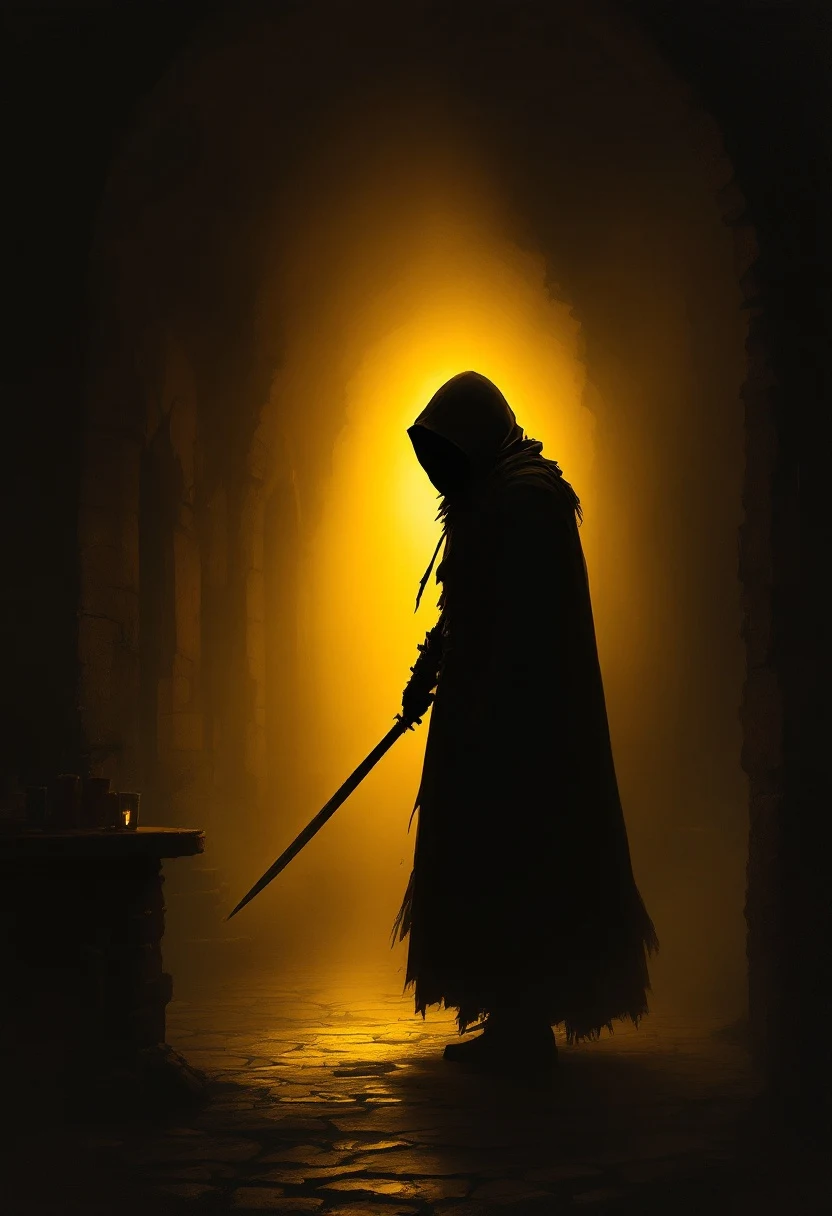
Character portrait → token-ready cutout
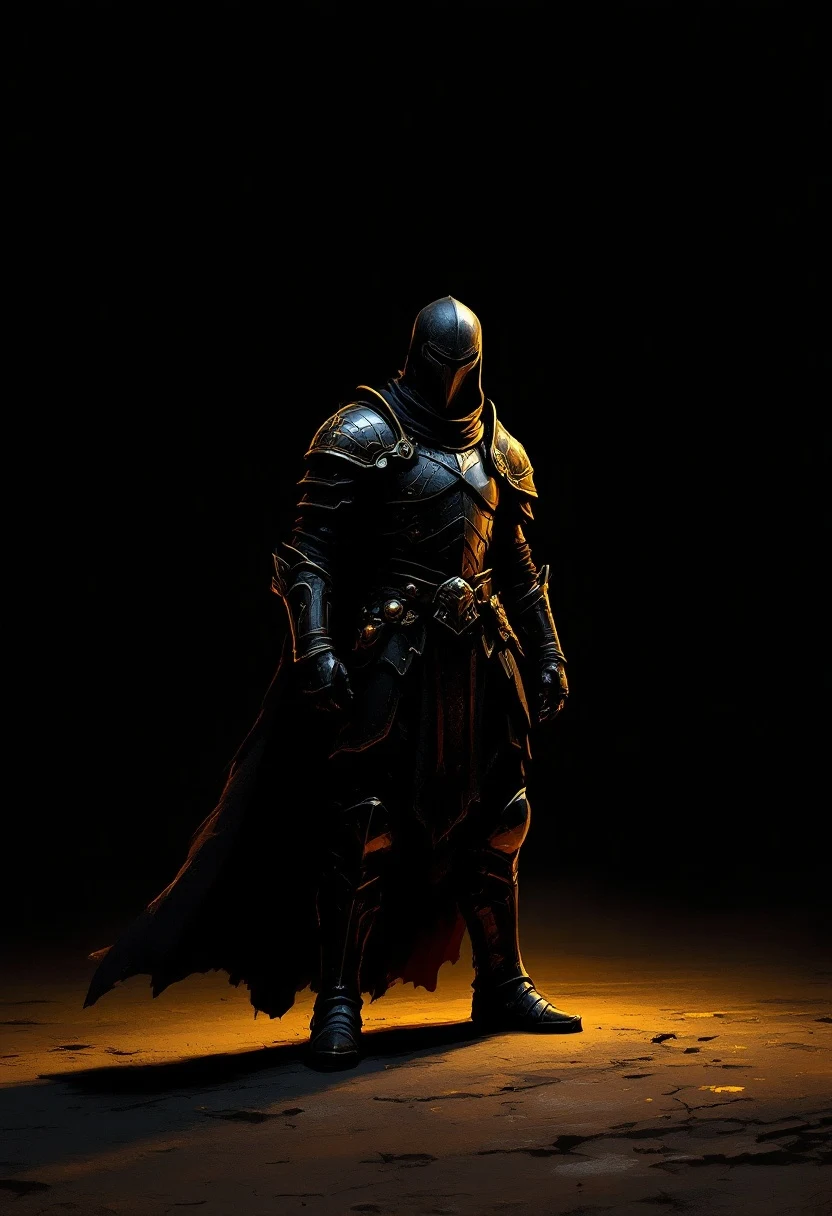
Mini photo → catalogue-clean shot
Made with Remove Background
From the Forge
Before/after pairs from real cutouts — edges hold up at token size and full-screen alike.

Token prep
Cutout → border → Foundry/Roll20, in under a minute.
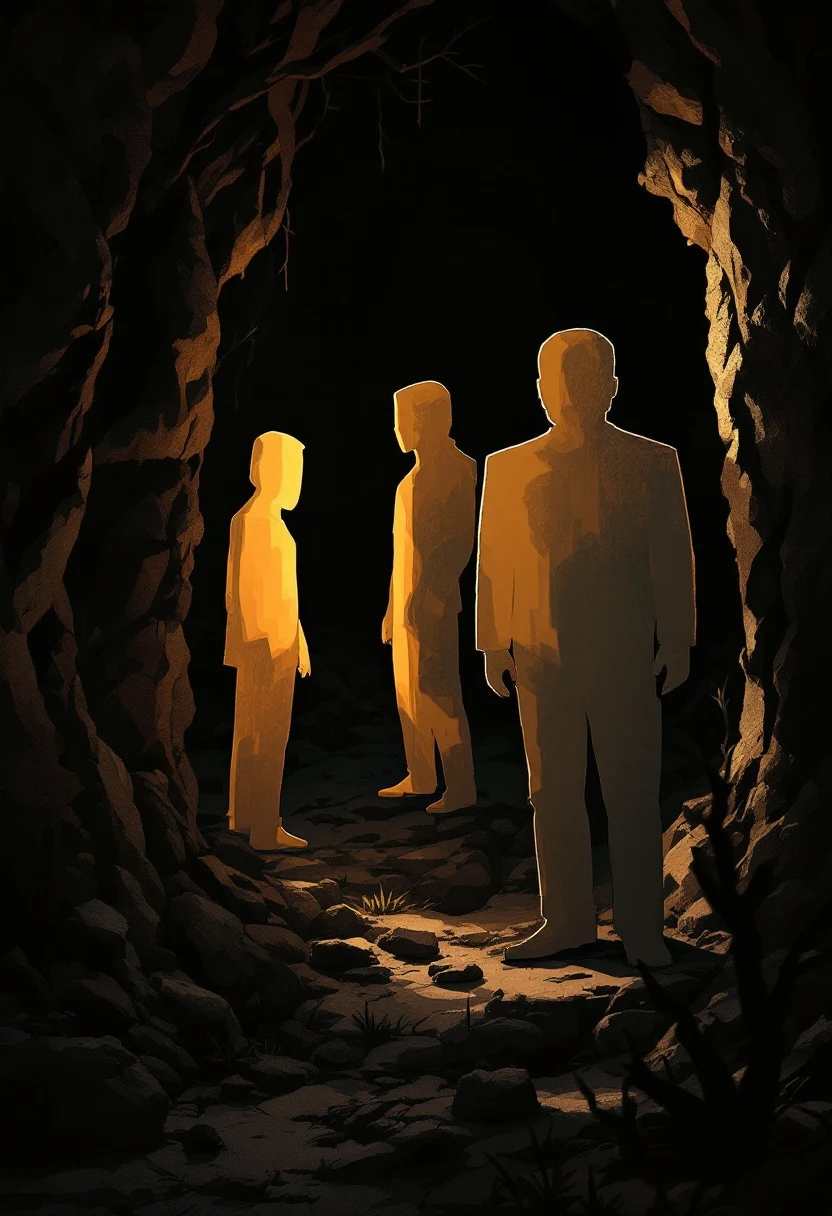
Layered handouts
Stack cutouts over scene art for props players can hold.
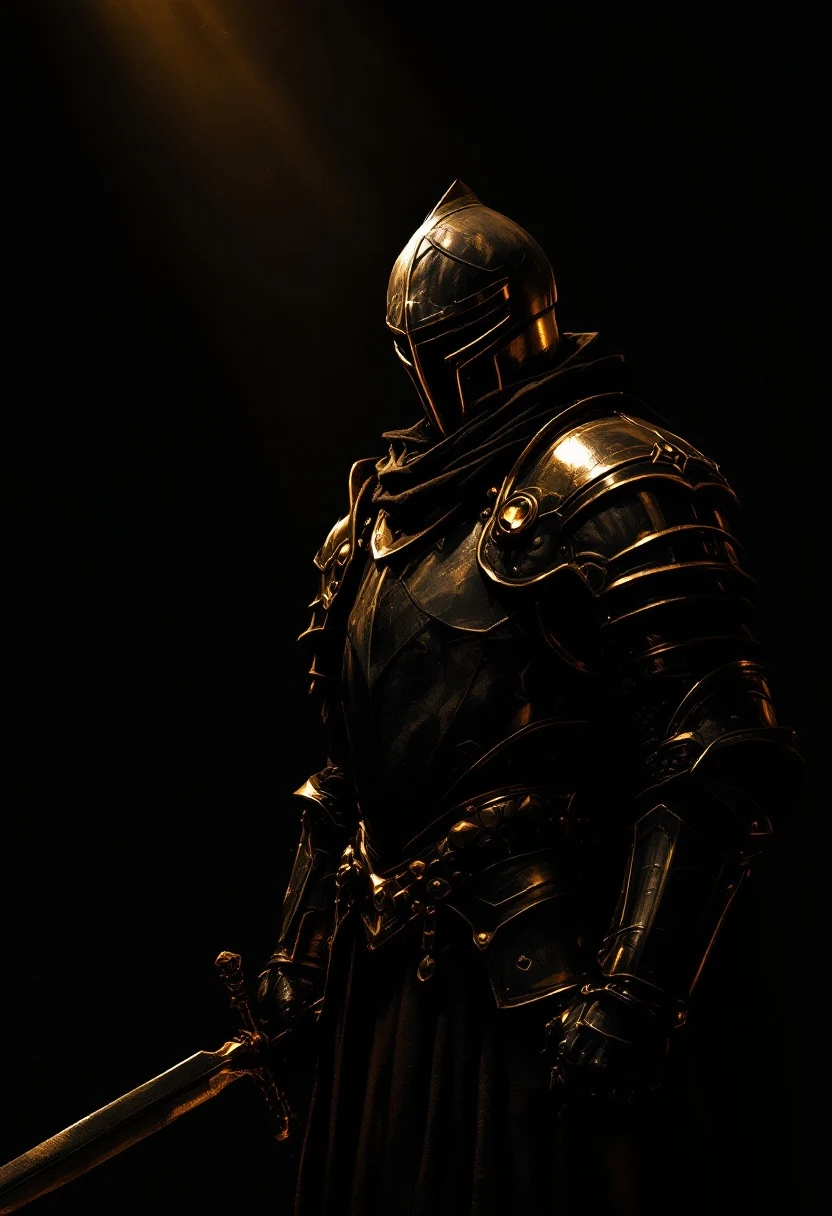
Mini photography
Painted minis without the messy hobby desk behind them.
Counsel
Frequently Asked
What image formats can I upload?
PNG, JPG and WebP. Output is always a transparent PNG so it drops cleanly into any VTT or editor.
How does it handle hair and fine edges?
The segmentation model is tuned for portrait-grade edges — hair, fur, horns and weapon outlines survive the cutout.
Can I batch process images?
One image at a time today; batch processing is on the roadmap. Each cutout takes seconds.
Does it work on photos of painted miniatures?
Yes — mini photos are a core use case. Shoot on any background and strip it out afterwards.
Remove Background
Clean cutouts for tokens & handouts — your first steps are free.
Remove a background